REVIEW · MILAN
Pinacoteca Ambrosiana audioguide
Book on GetYourGuide →Operated by Veneranda Biblioteca Ambrosiana · Bookable on GetYourGuide
Walking into art with real guidance helps. This Pinacoteca Ambrosiana audioguide turns your phone into an on-the-spot helper, with 50+ museum audio descriptions and comments as you follow the exhibition path. You’ll hear about major works and artists like Leonardo da Vinci, Raphael, Caravaggio, Brueghel, and more, then you can keep the content accessible after you leave.
I especially like that it’s built for control. When your time is tight, having a planned listening route helps you move through the museum without wandering too long. I also like the language options: six languages lets you pick the one that feels natural, instead of forcing the visit into your second-best option.
One thing to plan for: the experience doesn’t include headphones or a device. You’ll need a charged smartphone plus your own headphones, and you’ll be using your screen too, not just closing your eyes and listening.
In This Review
- Key highlights you can feel right away
- What the Pinacoteca Ambrosiana audioguide actually is
- Setting up on your phone: code, languages, and headset reality
- A 2-hour path through art you’ll hear about
- How you’ll likely experience it on your feet
- The star artists covered: Leonardo, Raphael, Caravaggio, Brueghel, and more
- Skip-the-line timing and how to keep the visit under control
- Can you use it after you leave?
- Potential downsides to consider before you download
- 1) The app depends on your phone setup
- 2) Some content may feel more text-like than fully audio
- 3) If the museum can’t open, you can’t force entry
- Who should book this and who should skip it
- Should you book this? My practical verdict
- FAQ
- How long is the Pinacoteca Ambrosiana audioguide?
- How much does it cost?
- What languages are available?
- Do I need to bring headphones?
- Do I need a smartphone?
- Can I listen to the content after my visit?
- Is skip-the-line included?
- Is it wheelchair accessible?
- What’s the cancellation policy?
Key highlights you can feel right away
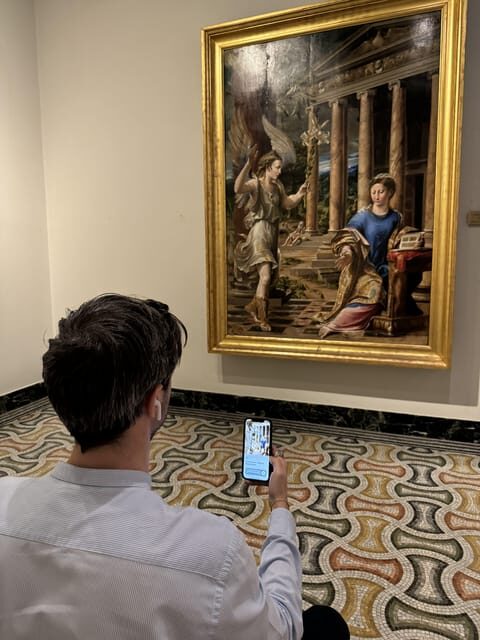
- 50+ audio descriptions and comments made available through the museum app
- Six languages so you can choose what you actually understand best
- Works explained by Leonardo, Raphael, Caravaggio, Brueghel, and others
- App stays accessible after your visit, so you can refresh later
- Skip-the-ticket-line benefit, helpful if you hate waiting
What the Pinacoteca Ambrosiana audioguide actually is
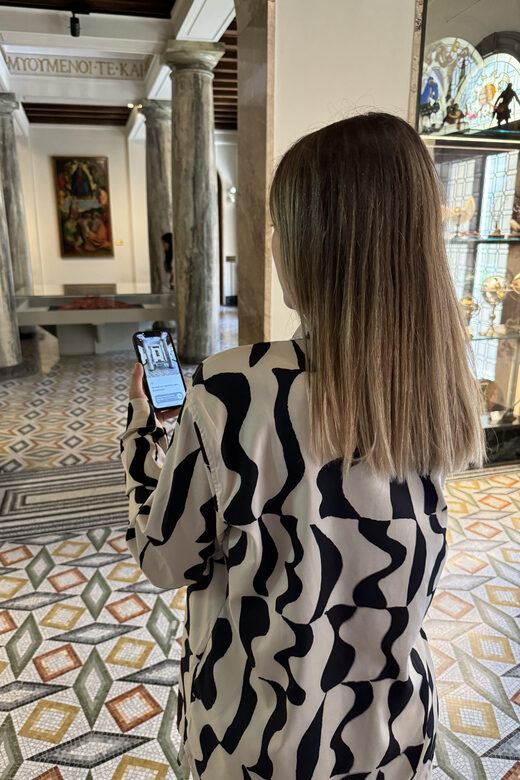
This isn’t a guided tour with a person standing next to you. It’s a museum audioguide you run on your phone while you walk through the Pinacoteca Ambrosiana exhibition path. The big idea is simple: you’re not just looking at paintings—you’re getting audio descriptions and museum comments tied to what you’re seeing.
The provider behind this is the Veneranda Biblioteca Ambrosiana, which matters because the content is presented as museum-made material, not a generic script. You’re getting more than a few tracks, too: the offer includes more than 50 exclusive audio descriptions and comments. That’s a lot of “stop and listen” time for a visit that’s designed to last around 2 hours.
Value-wise, the price (about $4.71 per person) feels reasonable if you treat the audioguide as your main way of understanding what you’re seeing. If you’re the type who only wants quick labels, you might not feel the value as much. But if you like context—artist background, meaning, and why a work was made—you’ll likely get your money’s worth in the first hour.
You can also read our reviews of more tours and experiences in Milan.



Setting up on your phone: code, languages, and headset reality
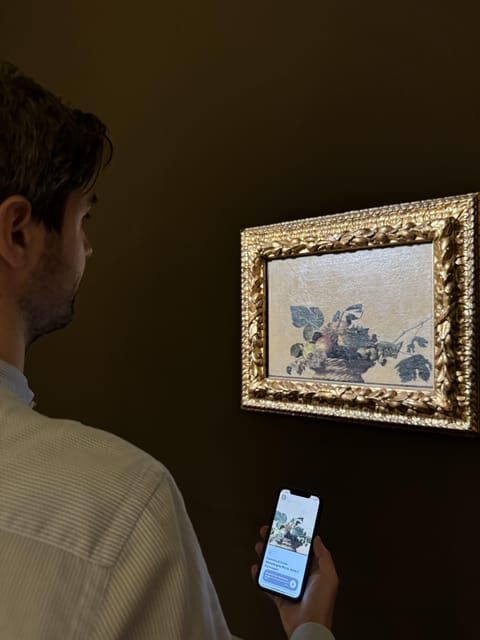
Before you even enter, you need to handle the one annoying part: the app activation. You’ll receive a code to activate the Pinacoteca Ambrosiana audioguide. Once it’s activated, you choose your language from the available six options and you’re ready to go.
Here’s the practical part you can’t skip: headphones and your device are not included. The experience specifically expects you to download the app on your smartphone and then listen with your own headphones or in phone mode. That means:
- Bring a charged phone
- Pack (or buy) headphones that you actually like wearing
If you show up with a low battery, you’ll lose the main benefit. I treat this like city walking in Italy: one wrong assumption and suddenly you’re doing troubleshooting while everyone else is enjoying the art.
Also, the app content is designed to stay accessible even after the visit. That’s great because it turns your museum time into something you can revisit later, when you’re not surrounded by noise, crowds, and sore feet.
A 2-hour path through art you’ll hear about
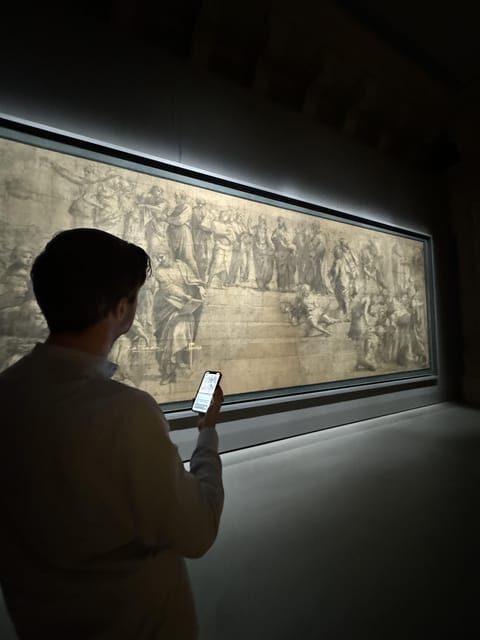
The visit is guided by the audioguide along the museum’s exhibition path. In practice, that means you’ll be moving through the galleries in the order the guide expects, and you’ll trigger audio descriptions as you reach works included in the program.
The time commitment is set as 2 hours, which is ideal for people who want depth but don’t want to turn the museum into an all-day project. You can listen at a normal pace and finish without feeling like you missed the finish line. If you pause a lot, you can still make it—just expect a slower rhythm.
I also like that the guide is meant to explain not just the artists you already recognize, but the setting and significance of the works. Audio descriptions are the difference between seeing brushstrokes and understanding what those choices might be doing.
How you’ll likely experience it on your feet
- Start by activating the app, selecting your language, and getting comfortable with the phone controls.
- Follow the exhibition path while letting the audio lead your attention.
- For each included work, you’ll get audio descriptions and museum comments that help you notice details you might otherwise miss.
- If you’re someone who likes closure, plan a final pass to catch anything you skipped earlier.
Because the guide is designed for the path, it’s not the best option for people who want total freedom to hop around randomly.
The star artists covered: Leonardo, Raphael, Caravaggio, Brueghel, and more
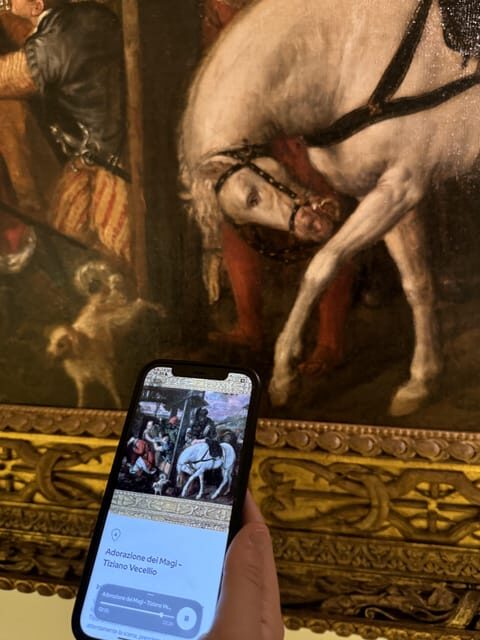
One reason this audioguide is worth taking seriously is the lineup of names you’ll hear about. The content includes descriptions of works by Titian, Leonardo da Vinci, Raphael, Caravaggio, Brueghel, and more.
Even without listing specific paintings (the audioguide tracks handle that as you go), you can think of it like this: the guide gives you a way to connect major artists and styles to what you’re actually looking at in front of you. That’s what makes the experience feel more purposeful than reading random wall texts.
Here’s what I’d pay attention to as you listen:
- How the guide frames the artist’s approach (what to look for in the composition)
- Any background that explains why a work matters in the museum’s collection
- Differences between schools and periods, especially when you move from one famous name to another
If you’re not an “art history marathon” person, the audioguide helps you stay engaged by giving you a reason to stop. And that’s the real trick: it keeps the visit from becoming a blur of frames.






Skip-the-line timing and how to keep the visit under control
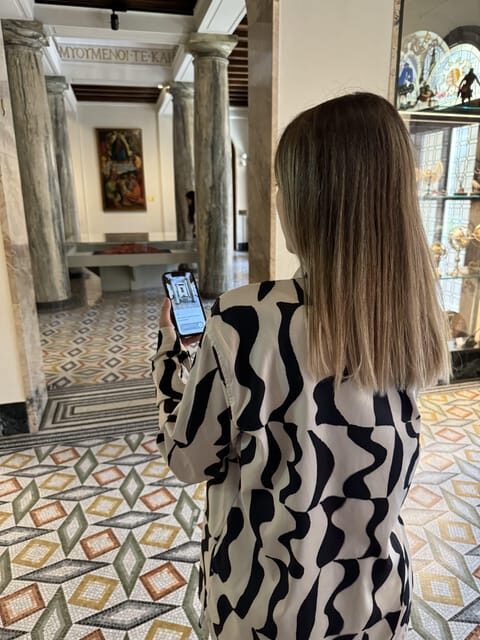
The experience includes a skip-the-ticket-line benefit. For a museum visit, that can be the difference between enjoying the first rooms and losing energy while waiting.
A shorter visit like this—2 hours—also needs structure. The audioguide’s main job is to supply that structure. I find audio guidance particularly useful because it reduces decision fatigue: you don’t have to constantly ask yourself what to see next. You just follow the path and let the guide cue you.
If you like a plan, this works. If you hate being told where to look, you may feel the route is too planned.
Can you use it after you leave?
Yes. The content remains accessible after the visit. That’s not just a nice extra—it changes how you can use the museum.
I like it for three reasons:
- You can refresh what you heard once you’re in a quieter place
- You can “catch up” on details you missed during a busy walk-through
- You can share your notes with someone later, without needing to remember everything from memory
It’s especially handy if you came in expecting one type of art and ended up liking something you weren’t sure about. Later audio re-listens help solidify what clicked in the moment.
Potential downsides to consider before you download
This experience has strong value, but it’s not perfect for every person. Here are the main practical concerns grounded in what can happen with phone-based audioguides like this.
1) The app depends on your phone setup
If you forget headphones or your battery drops, the “easy guidance” part disappears fast. You’ll be stuck either pausing to fix things or losing audio explanations right when you need them most.
2) Some content may feel more text-like than fully audio
There’s a risk that parts of the guide may come across as on-screen information more than voice-only explanation. If you love spoken storytelling and minimal screen reading, that’s the one potential mismatch to plan around.
A quick tip: before you pay time-wise in the museum, make sure you understand how the app behaves while you’re walking. Check volume and playback controls. Do a quick test before you settle into the listening flow.
3) If the museum can’t open, you can’t force entry
One concern raised with similar experiences is that museum access can be affected by private events. If the museum is closed on your day, the audioguide won’t help you see the art. So do the boring thing and check the museum’s opening status the day you go.
Who should book this and who should skip it
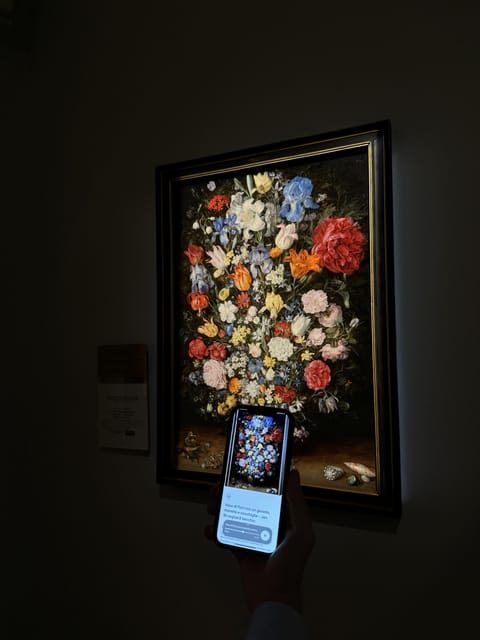
This audioguide is a good fit if you:
- Want a focused 2-hour experience with guidance
- Like learning as you look at art (not after, when you’re home)
- Prefer choosing your own pace with six languages
- Want the audio to remain available after your visit
It might not be the best fit if you:
- Hate using your phone during museum visits
- Expect a fully spoken guide with no reliance on screen content
- Don’t want to bring headphones
Also, if you strongly rely on spoken-only content, consider that phone-mode experiences can sometimes mix audio and on-screen information. The guide can still help, but your expectation should match how you’ll interact with your device.
Should you book this? My practical verdict
I’d book it if you want a smart, low-cost way to get more out of the Pinacoteca Ambrosiana collection during a timed visit. At about $4.71 for roughly two hours, you’re paying for a lot of audio support: 50+ museum-made descriptions in six languages, plus the fact that you keep access after you leave.
It’s especially worth it if your goal is to control the visit. You’ll spend less time guessing what matters next and more time actually understanding what you’re looking at.
Skip it if you’re the kind of person who only wants museum labels and doesn’t want any phone involvement. And if you dislike screen-based guidance, test your comfort level with the app experience before committing.
FAQ
How long is the Pinacoteca Ambrosiana audioguide?
The experience is scheduled for 2 hours.
How much does it cost?
The price listed is $4.71 per person.
What languages are available?
The audioguide is available in 6 languages.
Do I need to bring headphones?
Yes. Headphones are not included, so you’ll need your own or use the app’s phone listening mode.
Do I need a smartphone?
Yes. The device is not included. You must download the app on your phone and activate it with the code you receive.
Can I listen to the content after my visit?
Yes. The content remains accessible also after the visit.
Is skip-the-line included?
Yes, it includes the skip-the-ticket-line benefit.
Is it wheelchair accessible?
Yes, the experience is listed as wheelchair accessible.
What’s the cancellation policy?
You can cancel up to 24 hours in advance for a full refund.